Function
State whether the system guards, separates, stores or guides access.
Defines the supplier scope without assuming a safety function.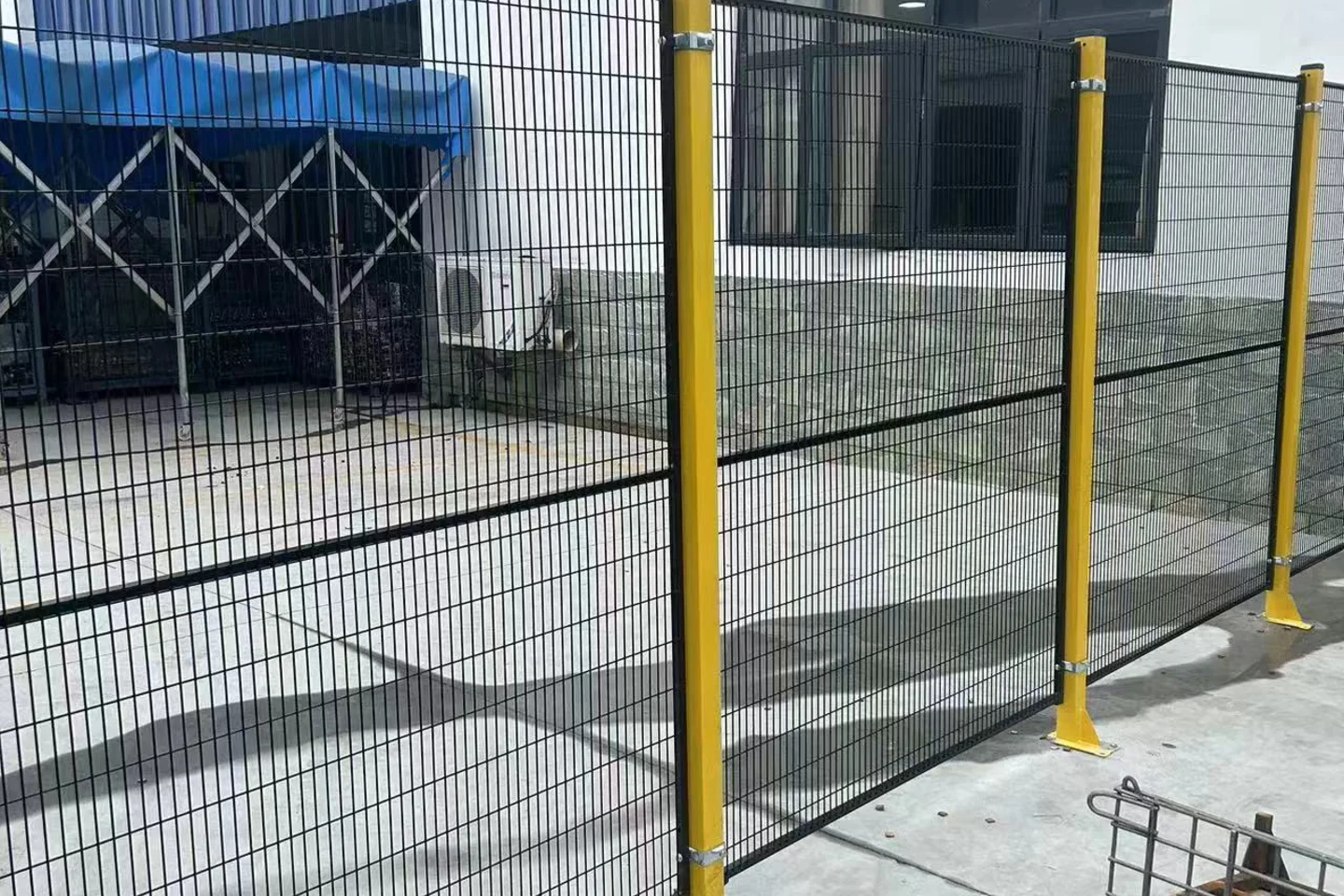
Complex industrial partition system
A supplier-supported panel, post and access system for equipment zones, robot cells, workshop aisles and storage separation, configured from the protected-zone layout.
This page supports product selection and quotation. Guarding distances, openings, interlocks and compliance require the project risk assessment and qualified engineering review.
The page collects the variables that change suitability, scope and price. It does not replace the approved drawing, quotation or responsible engineering review.
State whether the system guards, separates, stores or guides access.
Defines the supplier scope without assuming a safety function.Provide the complete perimeter, equipment footprint and required clearances.
Controls panel runs, corners, posts and interfaces.List every personnel, material and maintenance opening.
Coordinates doors, sliding gates, locks and controls interfaces.Define visibility, aperture, containment and cleaning needs.
Supports comparison of mesh, perforated and framed modules.Record floor, walls, columns, services and obstructions.
Prevents base plates and posts conflicting with the building or equipment.Attach risk assessment, project standards and approval responsibilities.
Keeps the supplier proposal inside the project’s engineering process.Values shown here describe the supply variables. Exact dimensions, finishes and components are confirmed for the project.
Send the missing inputs →| Field | Current supply basis | What to confirm |
|---|---|---|
| Panel options | Framed welded mesh, perforated sheet or project-selected module | Visibility and containment requirements must be stated. |
| Posts | Base-plated or project-configured steel posts | Floor condition, anchors and post positions require engineering review. |
| Access modules | Hinged, sliding or material-access openings | Clear opening, hardware and controls interface must be defined. |
| Connections | Matched panel, post and corner fixings | Tool access or tamper requirements should be included in the brief. |
| Finish | Powder-coated, galvanized or stainless options | Environment, colour and cleaning requirements control selection. |
| Layout documents | Plan, elevations and access schedule | Final supply follows the approved drawing and quotation. |
| Safety boundary | Supplier product configuration only | Risk assessment, distances, interlocks and compliance remain project responsibilities. |
The sequence keeps product selection, engineering responsibility and commercial scope aligned.
Record the protected activity, foreseeable access and the project risk-assessment owner.
Provide the equipment footprint, fence line, heights, corners, floor and building interfaces.
List doors and gates, clear openings, traffic direction, locks and any controls interface.
Compare panel form, posts, fixings, finish and maintenance access with engineering stakeholders.
Confirm drawings, component scope, packing, installation responsibility and required documents.
Each image explains a form, interface or possible application. Captions state where a drawing, sample or project review is still required.
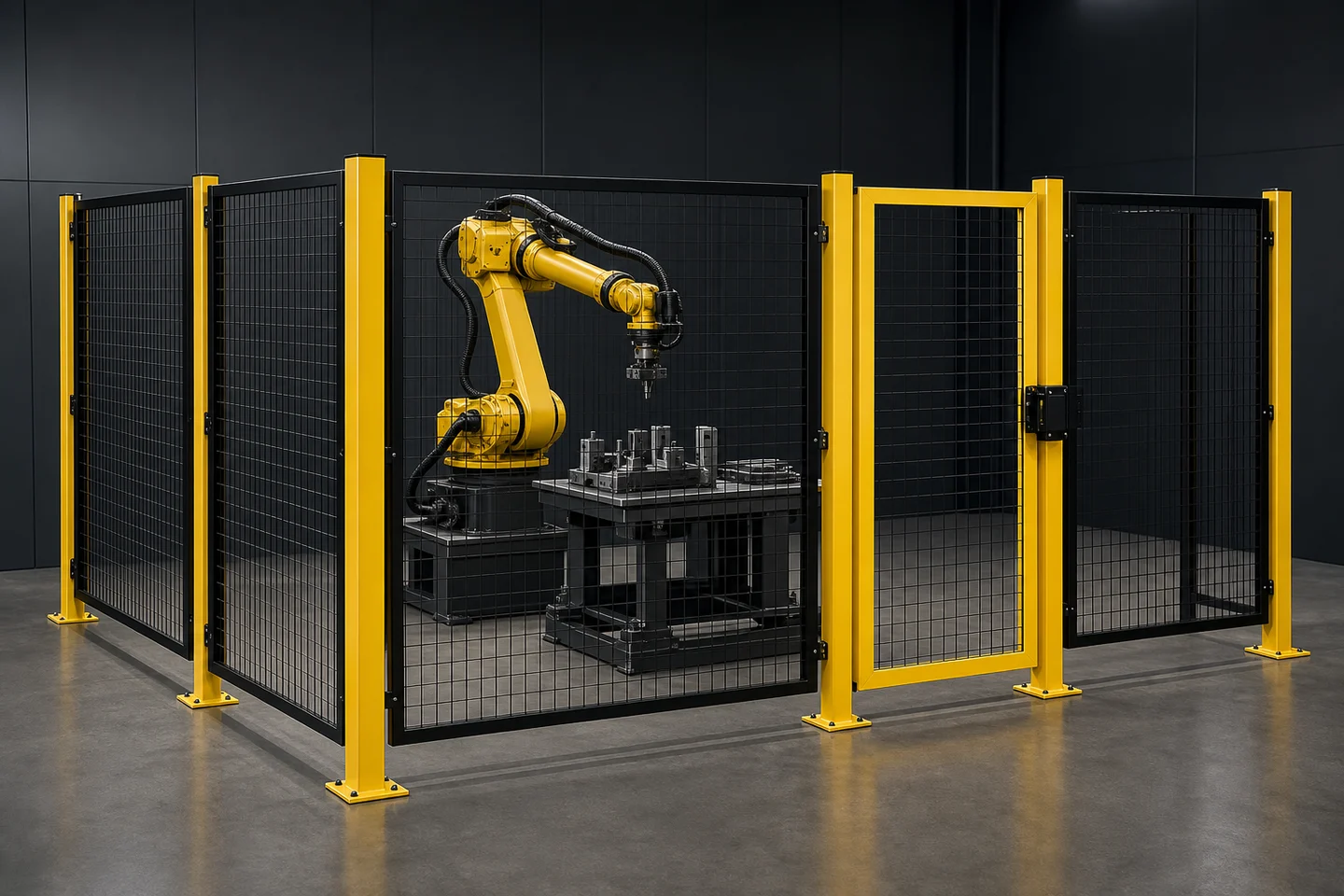
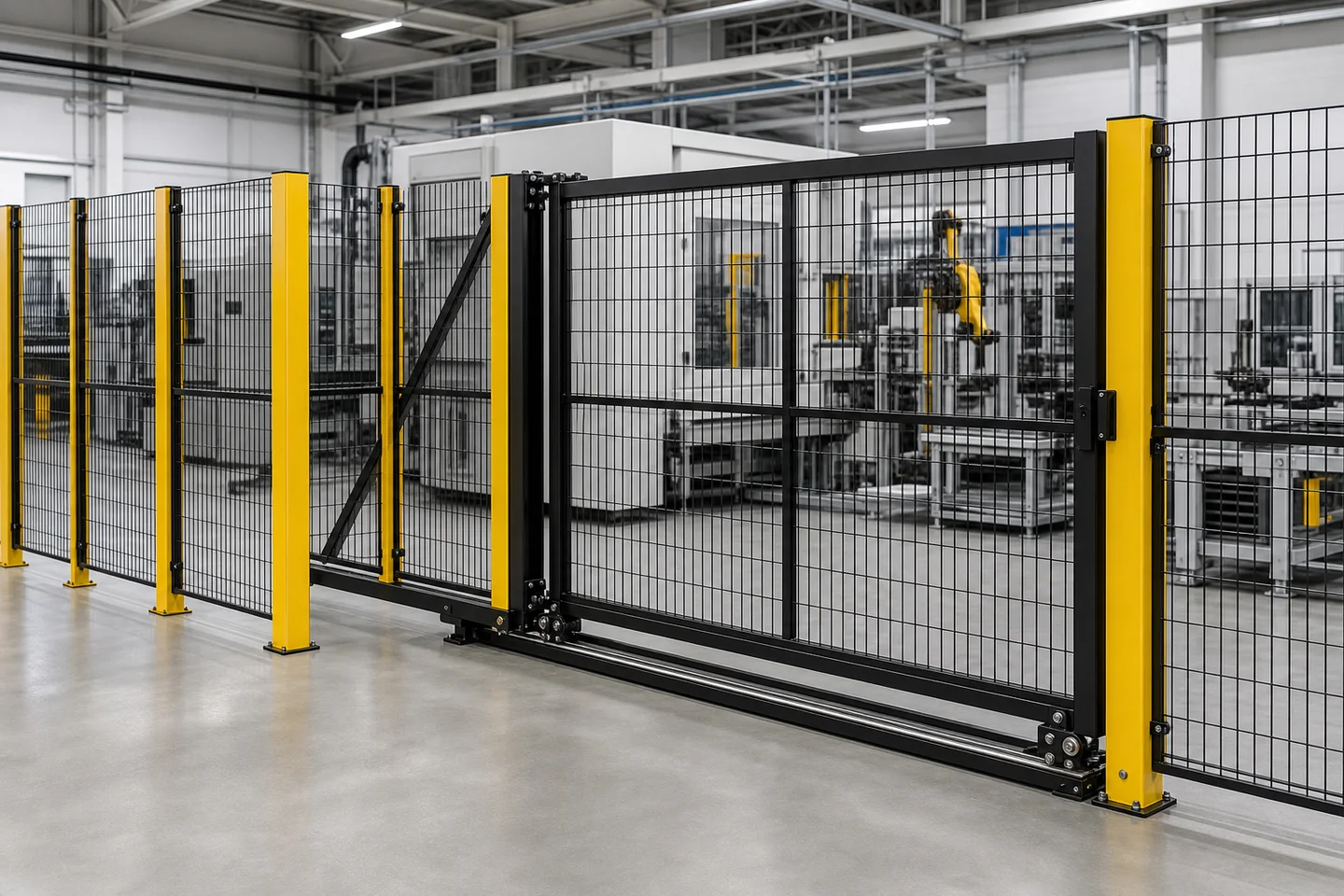
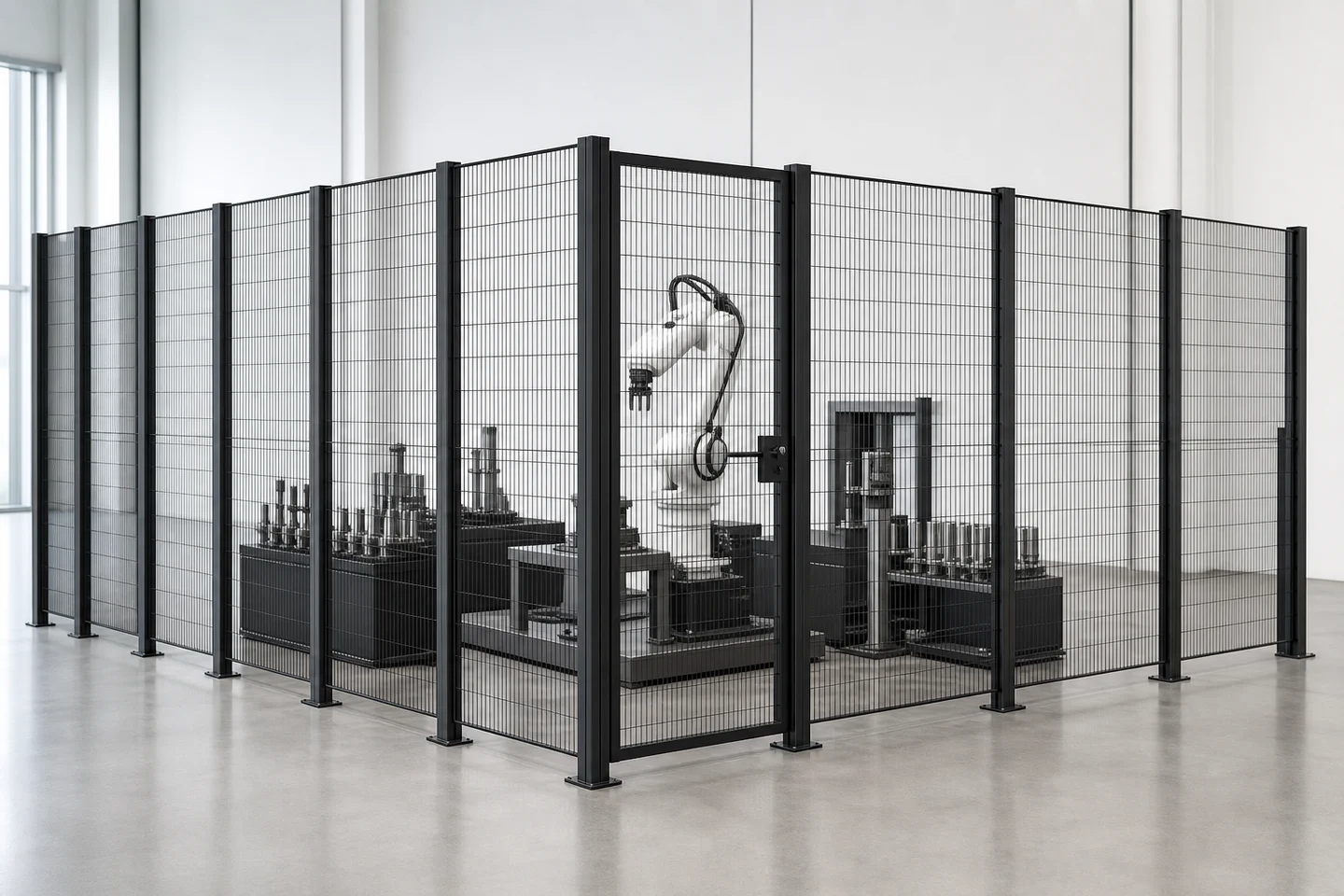
These answers define the quotation boundary without inventing project-specific performance.
No. It supports supplier selection and quotation. The project risk assessment, guarding distances, openings, controls, interlocks and approval process must be completed by the responsible qualified parties.
Provide the equipment footprint, complete perimeter, heights, corners, floor and wall interfaces, obstructions and every personnel, material and maintenance opening.
Yes, when clear openings, direction of travel, hardware, locking and any controls interface are defined for supplier and engineering review.
Send available plans, elevations, access schedule, risk-assessment requirements, finish specification, quantity, installation scope, destination and schedule.
Complete the known fields. If drawings or standards apply, mention them in project notes and attach them when your email application opens.
Submitting this local form opens your email application. It does not transmit data to the website.
Use the family guides to separate machine safety, warehouse operation, physical supply and approval responsibility.